本文最后更新于556 天前,其中的信息可能已经过时,如有错误请发送邮件到yqf@yqf.link
本教程原文为wordpress美化但是YQF发现好像其他网站也能用然后就搬过来了一部分
鼠标文字特效
在末尾</body>上方加入。当然a变量中的文字就自定义了!你可以改成自己喜欢的文字。
<!--鼠标特效开始--><script type="text/javascript">var a_idx = 0;jQuery(document).ready(function($) { $("body").click(function(e) { var a = new Array("❤富强❤", "❤民主❤", "❤文明❤", "❤和谐❤", "❤自由❤", "❤平等❤", "❤公正❤", "❤法治❤", "❤爱国❤", "❤敬业❤", "❤诚信❤", "❤友善❤"); var $i = $("<span/>").text(a[a_idx]); a_idx = (a_idx + 1) % a.length; var x = e.pageX, y = e.pageY; $i.css({ "z-index": 999999999999999999999999999999999999999999999999999999999999999999999, "top": y - 20, "left": x, "position": "absolute", "font-weight": "bold", "color": "#ff6651" }); $("body").append($i); $i.animate({ "top": y - 180, "opacity": 0 }, 1500, function() { $i.remove(); }); });});</script><!--鼠标特效结束-->后面有小伙伴说影响双击选中单词,我就没上这个特效了。
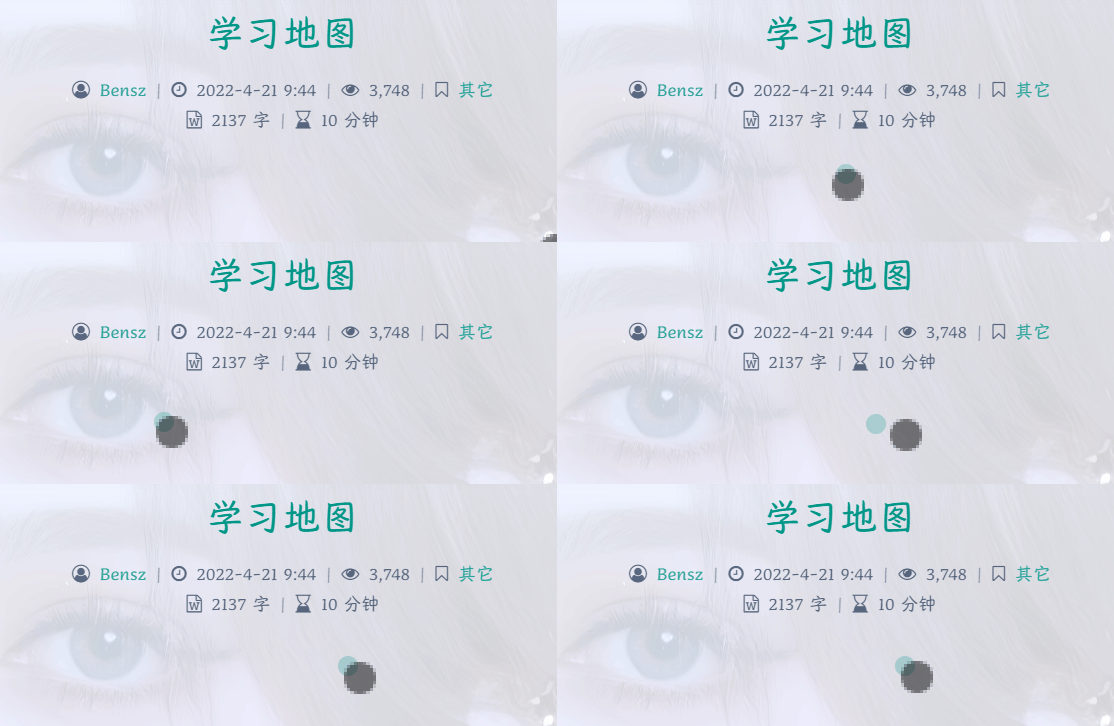
鼠标指针特效之影相随
2022-09-02更新。源代码来自扶木成枫的博客。
效果大致如下图所示:
在末尾</body>上方加入。
<!--鼠标样式:两个同心圆,大圆追小圆--><style type="text/css">#cursor{position:fixed;width:16px;height:16px;background:#009688;border-radius:8px;opacity:0.25;z-index:10086;pointer-events:none;transition:0.2s ease-in-out;transition-property:background,opacity,transform}#cursor.hidden{opacity:0}#cursor.hover{opacity:0.1;transform:scale(2.5)}#cursor.active{opacity:0.5;transform:scale(0.5)}#clickME{cursor:pointer;display:inline-block;border:1px solid #009688}</style><script src="https://cdn.jsdelivr.net/gh/huangwb8/bloghelper@latest/js/cursor_01.js"></script><!--鼠标样式结束-->这个指针蛮帅的。但是,如果你想要选中某段文字复制粘贴,要考验一番眼力和手力。考虑到我自己用起来都有点困难,最后还是没有用它 ( ̄△ ̄;)
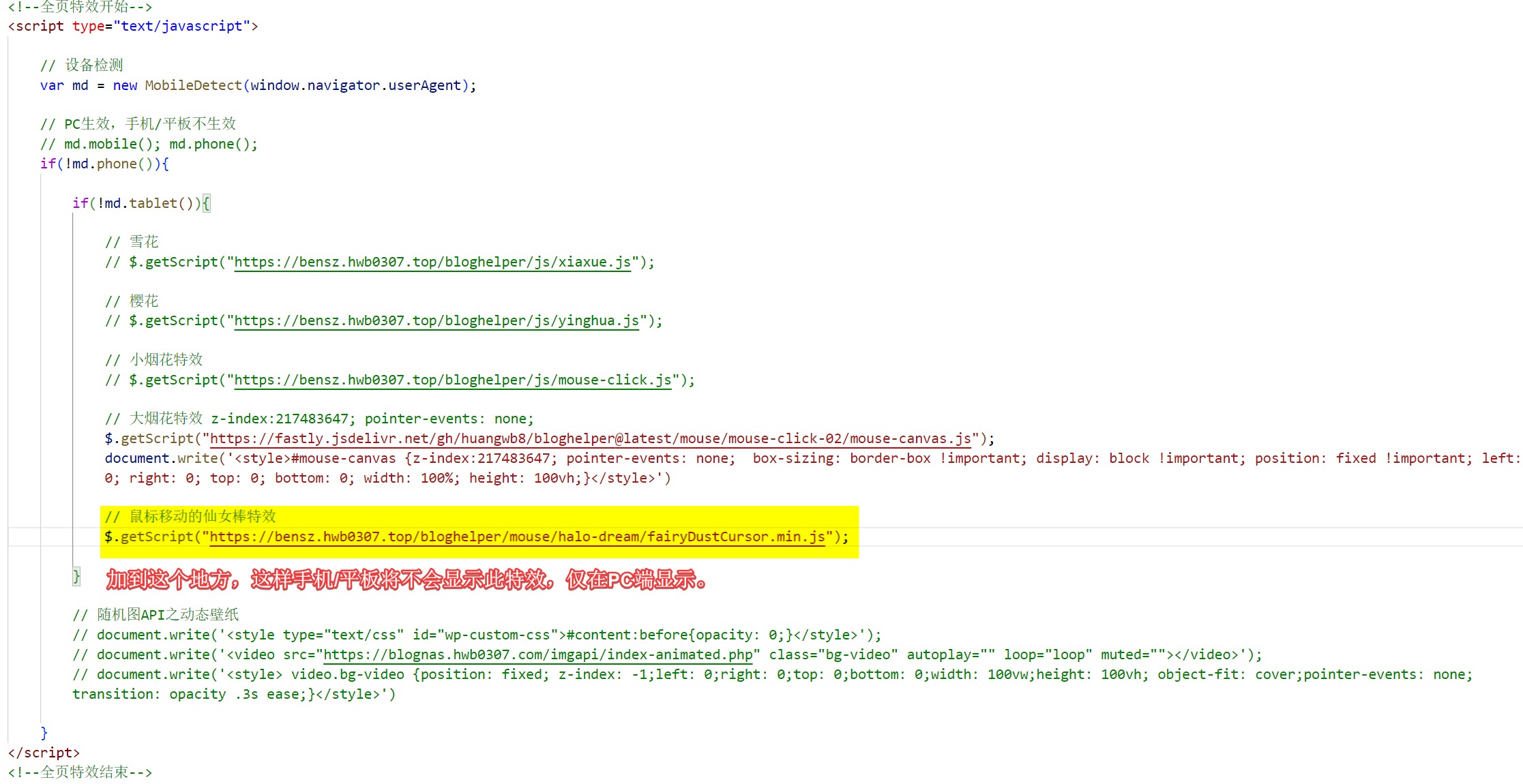
鼠标指针特效之仙女棒
来源于halo的dream主题鼠标移动特效“仙女棒”,特效美观,自然:

在JS里插入
// 鼠标移动的仙女棒特效。$.getScript("https://cdn.jsdelivr.net/gh/huangwb8/bloghelper@latest/mouse/halo-dream/fairyDustCursor.min.js");如图所示:
鼠标外观在</body>里加入这个代码即可:
<!--鼠标指针特效2 开始--><style type="text/css">.main-content img,body{cursor:url(https://cdn.jsdelivr.net/gh/huangwb8/bloghelper@latest/mouse/halo-dream/cursor/breeze/Arrow.cur),auto}.actions>div,.expand-done,.main-content figure>figcaption div,.navbar-above .navbar-nav .item,.navbar-searchicon,.navbar-slideicon,.photos .picture-details,.widget .ad-tag .click-close,a,button{cursor:url(https://cdn.jsdelivr.net/gh/huangwb8/bloghelper@latest/mouse/halo-dream/cursor/breeze/Hand.cur),auto}blockquote,code,h1,h2,h3,h4,h5,h6,hr,input[type=text],li,p,td,textarea,th{cursor:url(https://cdn.jsdelivr.net/gh/huangwb8/bloghelper@latest/mouse/halo-dream/cursor/breeze/IBeam.cur),auto}</style><!--鼠标指针特效2 结束-->鼠标指针特效之吹泡泡
仅限argon主题。来自Joe主题。
具体效果如下:

用法同鼠标指针特效之仙女棒,JS脚本如下:
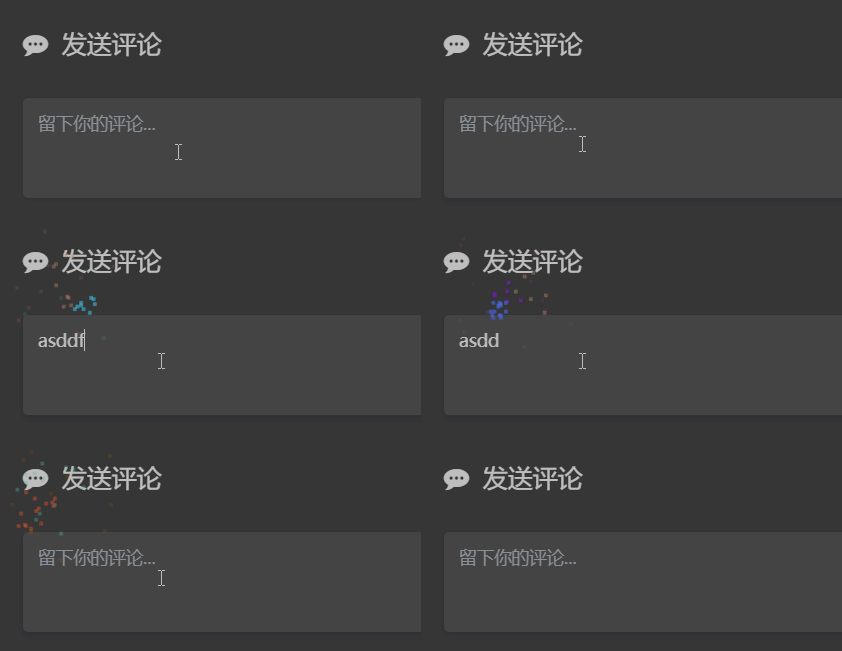
$.getScript("https://cdn.jsdelivr.net/gh/huangwb8/bloghelper@latest/mouse/joe/censor10.js");文字输入撒花特效
2022-05-21晚更新。
主要参考突突的教程:https://wangwangyz.site/archives/1059
效果类似:
在末尾</body>上方加入代码:
<!–网站输入效果开始–><script src=”https://cdn.jsdelivr.net/gh/huangwb8/bloghelper@latest/js/inputwith-fire.js”></script>
春节灯笼扩展
方法一:在</body>标签前加入下列HTML代码:
<!--春节灯笼--><link href="https://cdn.jsdelivr.net/gh/huangwb8/bloghelper@latest/css/deng.css" rel="stylesheet"><div class="deng-box"><div class="deng"><div class="xian"></div><div class="deng-a"><div class="deng-b"><div class="deng-t">春节</div></div></div><div class="shui shui-a"><div class="shui-c"></div><div class="shui-b"></div></div></div></div> <div class="deng-box1"><div class="deng"><div class="xian"></div><div class="deng-a"><div class="deng-b"><div class="deng-t">快乐</div></div></div><div class="shui shui-a"><div class="shui-c"></div><div class="shui-b"></div></div></div></div>方法二:像我一样,为了利用js的设备判断,在js中加入代码:
// 春节灯笼document.write('<link href="https://cdn.jsdelivr.net/gh/huangwb8/bloghelper@latest/css/deng.css" rel="stylesheet">');document.write('<div class="deng-box"><div class="deng"><div class="xian"></div><div class="deng-a"><div class="deng-b"><div class="deng-t">春节</div></div></div><div class="shui shui-a"><div class="shui-c"></div><div class="shui-b"></div></div></div></div>');document.write('<div class="deng-box1"><div class="deng"><div class="xian"></div><div class="deng-a"><div class="deng-b"><div class="deng-t">快乐</div></div></div><div class="shui shui-a"><div class="shui-c"></div><div class="shui-b"></div></div></div></div>');这些扩展应该够用了至于音乐播放器那些可以自行网上寻找这里不做多提要!谢谢观看!



Just downloaded the Phtaya app. Seems pretty straight forward. Lets see if it is cool. Download it here at phtaya app download
Alright guys, giving idd88 a shoutout. Had a good time trying my luck. Bonuses were alright, and the customer service was surprisingly quick. Give it a shot and see what you think! Link right here: idd88